Updates · · Product, Collaboration
Work on a deck together, live
Invite your team by email or link, see everyone’s cursors, and watch edits land in real time.
By Afterdeck
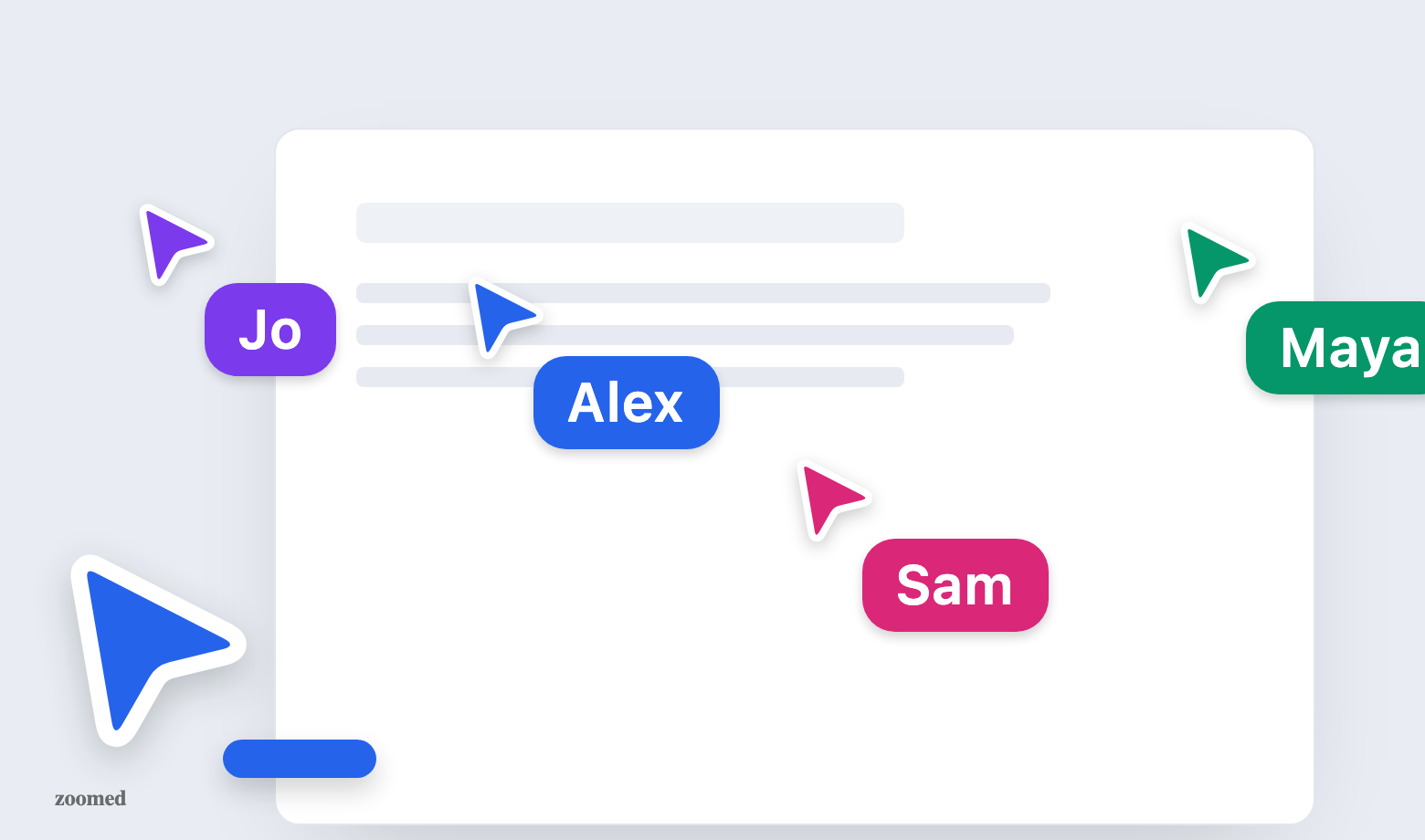
A deck is rarely a solo effort. Now you can invite your team straight into Afterdeck. They see your cursor, you see theirs, and every edit shows up for everyone the moment it’s made.
Until now, working together meant exporting and handing the file off; the deck you built in Afterdeck was yours alone until it left the building. That’s changed. Any saved deck can become a shared room where you and your collaborators work side by side, in the same editor, at the same time.
Invite by email, or just share a link
Open a deck, hit Share in the top bar, and add people by email. The field autocompletes from people you’ve worked with before. Pick a role for each one and they get an invite that drops them straight into the deck. Prefer a link? The owner can switch general access from Restricted to “Anyone with the link,” choose whether link-holders can edit or only view, and copy a URL to paste into a chat. Owners and editors can both bring new people in; only the owner manages roles and link access.
- Owners can do everything, including invites, roles, link access, and removing people
- Editors can edit every slide and invite new collaborators
- Viewers can open, read, and present the deck, but not change it
See everyone, in real time
Each collaborator shows up in their own color, carried across their cursor, their name tag, and the outline around whatever they’ve selected. As people move through the deck you can see which slide they’re on, and a stack of avatars in the top bar shows who’s in the room at a glance; click it for the full roster. Cursors glide live as people move, name tags settle in and then reappear on hover, and opening the same deck in two tabs collapses to a single presence, so the room never fills up with phantom copies of you.
Edits land as they happen
This isn’t presence for show. When someone rewrites a headline, swaps an image, or reorders the deck, that change is saved and pushed to everyone in the room within moments. Slides update in place, no refresh, no re-export. Each person works on their own part and the whole group stays in sync. And because edits flow through Afterdeck’s normal save path, version history keeps capturing the deck as it evolves, so anyone can roll back if a change needs undoing.
Sharing works on any saved deck. The one exception is a Ghost mode deck. Since it never joins your library, there’s no shared room to invite anyone into. To collaborate, open a deck and hit Share.